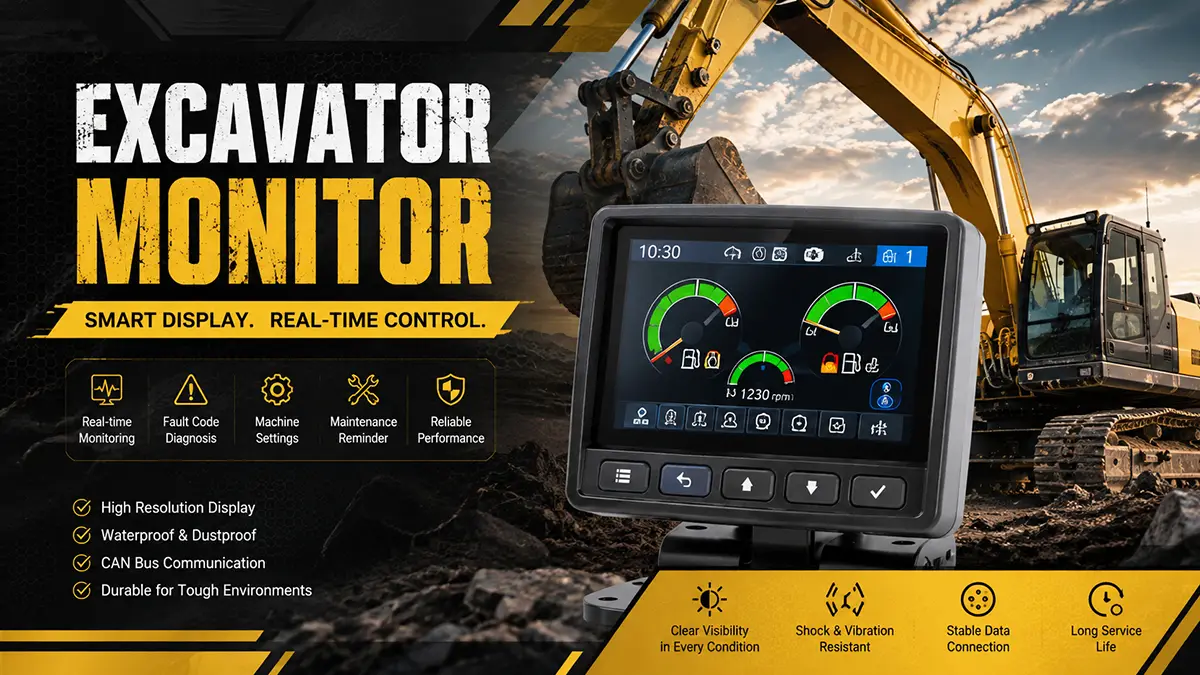
An excavator monitor, also called an excavator display, is an important electronic component in the operator’s cab. It provides real-time information about the engine, hydraulic system, fuel level, electrical system, warning alarms, and machine status.
What Is an Excavator Monitor?
An excavator monitor is an electronic display that communicates with sensors, ECUs, and other control systems. It converts machine data into easy-to-read information, including gauges, warning icons, fault codes, and maintenance reminders.
Modern excavator monitors may use LCD, TFT, or touchscreen displays, while older machines often use simpler digital displays and buttons.
What Are the Main Functions of an Excavator Monitor?
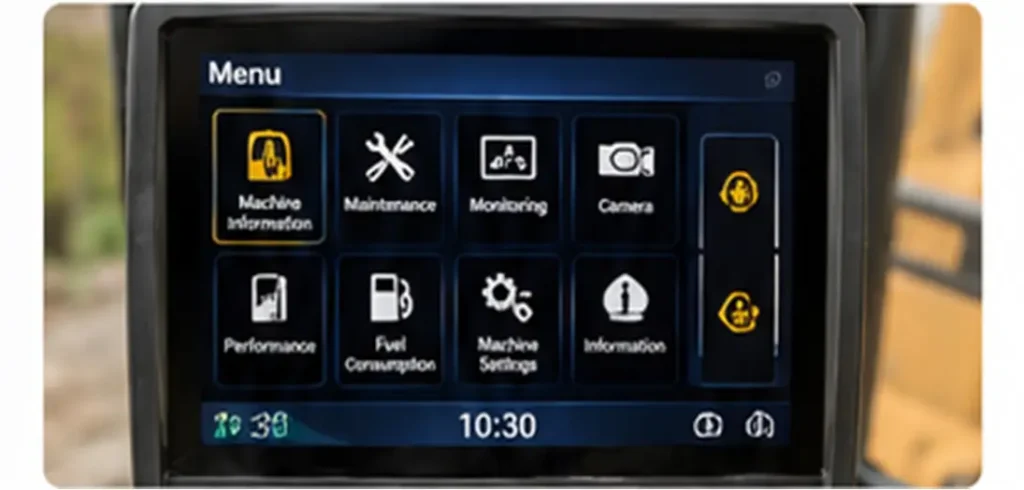
The main functions of an excavator monitor include:
- Real-time monitoring – Displays engine speed, temperature, fuel level, hydraulic oil temperature, and other operating data.
- Warning alarms – Alerts the operator to overheating, low oil pressure, low voltage, and other abnormal conditions.
- Fault diagnosis – Displays diagnostic fault codes to help technicians identify machine problems.
- Maintenance reminders – Provides information about scheduled maintenance and service intervals.
- Machine settings – Allows operators to adjust operating modes and other machine parameters.
What Information Does an Excavator Monitor Display?
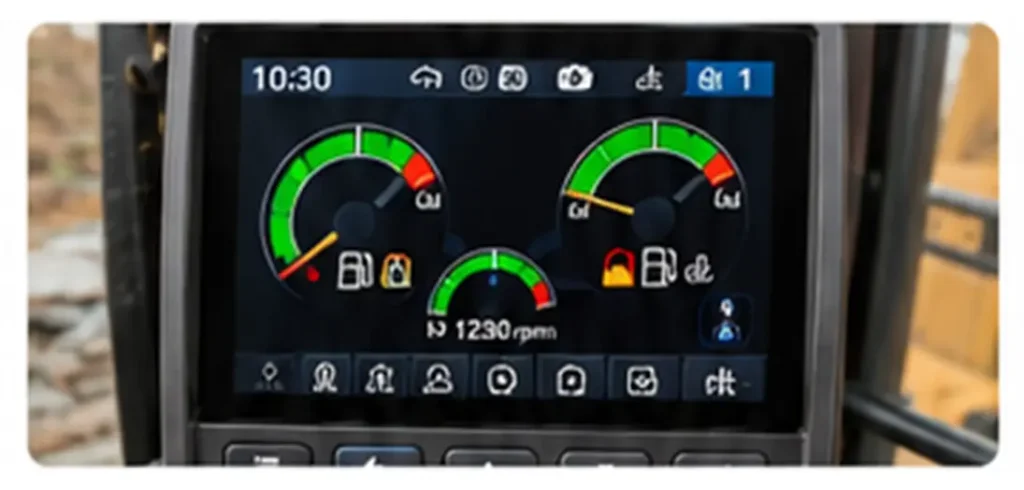
Depending on the excavator model, the monitor may display:
- Engine RPM and coolant temperature
- Engine oil pressure
- Hydraulic oil temperature
- Fuel level
- Battery voltage
- Operating mode
- Warning indicators
- Active and stored fault codes
- Maintenance information
This information helps operators understand the machine’s condition in real time.
How Does an Excavator Monitor Work?
The basic communication process is:
Sensors → ECU/Controller → Communication Network → Monitor → Operator
Sensors collect information from the engine, hydraulic system, and electrical system. The ECU processes this information and sends it to the monitor. The monitor then displays the data as numbers, icons, gauges, or warning messages.
For example, when coolant temperature becomes too high, the temperature sensor sends a signal to the ECU, which then instructs the monitor to display a high-temperature warning.
What Are the Main Components of an Excavator Monitor?
A typical excavator monitor consists of:
- LCD/TFT Display – Shows machine information and warning messages.
- Main Control Board – Processes signals and controls monitor functions.
- Power Supply Circuit – Provides stable power to internal components.
- Buttons or Touchscreen – Allows the operator to access menus and settings.
- Communication Interface – Connects the monitor with ECUs and other controllers.
- Backlight – Ensures the screen remains visible in different lighting conditions.
What Are the Common Excavator Monitor Problems?
Common excavator monitor problems include:
- Blank or black screen
- Dim display
- Frozen or unresponsive screen
- Incorrect machine data
- Missing information
- Frequent warning messages
- Fault codes that cannot be cleared
- Intermittent display operation
Not every display problem means the monitor itself has failed. Sensors, wiring, connectors, and ECUs can also cause similar symptoms.
What Causes Excavator Monitor Failure?
Common causes include:
- Electrical surges or unstable voltage
- Water and moisture intrusion
- Dust and contamination
- Excessive vibration
- Extreme temperatures
- Aging electronic components
- Loose or corroded connectors
- Damaged wiring
Excavators operate in harsh environments, so regular inspection is important for extending monitor service life.
How Do You Troubleshoot an Excavator Monitor?
Before replacing the monitor, check the entire electrical and communication system.
Basic troubleshooting steps:
- Check the battery and monitor power supply.
- Inspect fuses and relays.
- Check wiring and grounding.
- Inspect connectors for corrosion or loose pins.
- Check the screen and backlight.
- Read the monitor’s fault codes.
- Test related sensors.
- Check communication between the monitor and ECU.
If the problem involves the circuit board, CAN communication, or ECU programming, professional diagnostic equipment may be required.
When Should You Repair or Replace an Excavator Monitor?
Minor problems such as damaged buttons, connectors, wiring, or backlights may be repairable.
Replacement is usually more practical when the monitor has:
- Severe circuit-board damage
- A broken display panel
- Extensive water corrosion
- Repeated failures
- Unavailable repair components
When purchasing a replacement, always check the part number, excavator model, connector type, communication system, and software compatibility.
How Can You Maintain an Excavator Monitor?
To extend the service life of an excavator display:
- Keep the screen clean and dry.
- Do not spray high-pressure water directly at the monitor.
- Inspect connectors regularly.
- Protect the electrical system from voltage fluctuations.
- Avoid unnecessary impact or vibration.
- Check for moisture and corrosion.
- Follow the excavator manufacturer’s maintenance schedule.
Good electrical maintenance is especially important because unstable voltage can damage sensitive electronic components.
Conclusion
The excavator monitor is an important part of the machine’s electronic control and information system. It allows operators to monitor engine performance, hydraulic system conditions, fuel levels, electrical status, warning alarms, fault codes, and maintenance information in real time.
A properly functioning excavator display improves operator awareness, supports faster troubleshooting, and can help prevent serious machine damage.
When an excavator monitor develops a problem, operators should first check the power supply, wiring, connectors, sensors, and communication system instead of immediately replacing the display.
Regular cleaning, electrical inspections, moisture protection, and proper maintenance can also extend the service life of an excavator monitor and reduce unexpected downtime.
If you have any questions or would like to learn more about our products, please feel free to contact us.
FAQs
Q1. What is an excavator monitor?
An excavator monitor is an electronic display inside the cab that provides real-time information about the machine’s engine, hydraulic system, electrical system, warnings, fault codes, and maintenance status.
Q2. What does an excavator display do?
An excavator display allows the operator to monitor machine operating parameters, receive warning alarms, view diagnostic codes, check maintenance information, and adjust certain machine settings.
Q3. Why is my excavator monitor not turning on?
Common causes include a blown fuse, low battery voltage, damaged wiring, loose connectors, poor grounding, or an internal monitor failure.
Q4. Why is my excavator monitor screen black?
A black screen may be caused by a lack of power, failed backlight, damaged display panel, faulty circuit board, or communication problems. Check the power supply and wiring before replacing the monitor.
Q5. Can an excavator monitor be repaired?
Yes. Some problems, such as damaged connectors, backlights, buttons, or certain circuit-board components, may be repairable. Severe circuit-board or display-panel damage may require replacement.
Q6. Can I replace an excavator monitor myself?
It depends on the excavator model and monitor. Physical installation may be relatively simple, but some monitors require configuration, programming, or communication with the machine’s ECU after installation.
Q7. How do I choose a replacement excavator monitor?
Check the original monitor’s part number, excavator model, serial number, connector type, display specifications, and software compatibility before purchasing a replacement.
Q8. How long does an excavator monitor last?
Service life varies depending on operating environment, machine usage, electrical stability, temperature, moisture, and maintenance. Proper protection and regular inspection can help extend its service life.